Instagram creator marketplace or manual sourcing: what to rely on in India
Meta’s creator tool is good at finding creators and silent on almost everything after the first message. What Meta’s help pages say about eligibility, data and payment for Indian brands, where manual vetting still carries the load, and how to split the work by brand size and cadence.
Benchmarks 20 min read The vexo.club desk
In this article12 sections
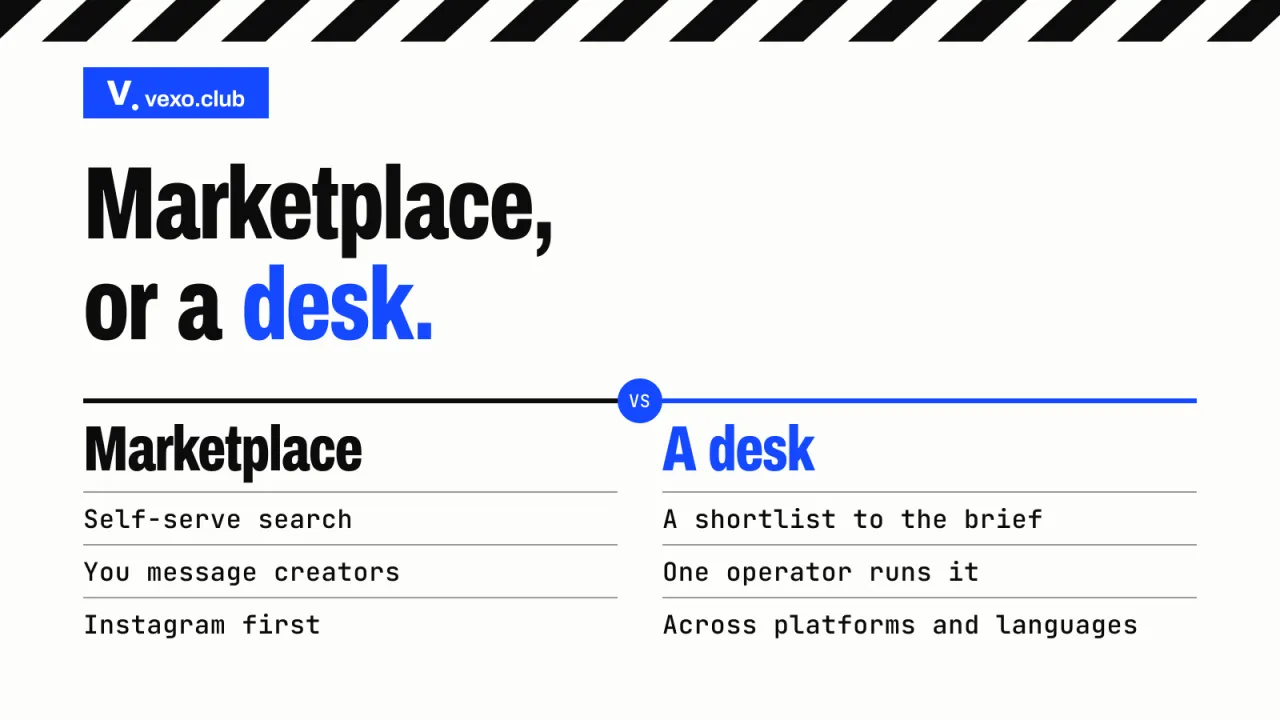
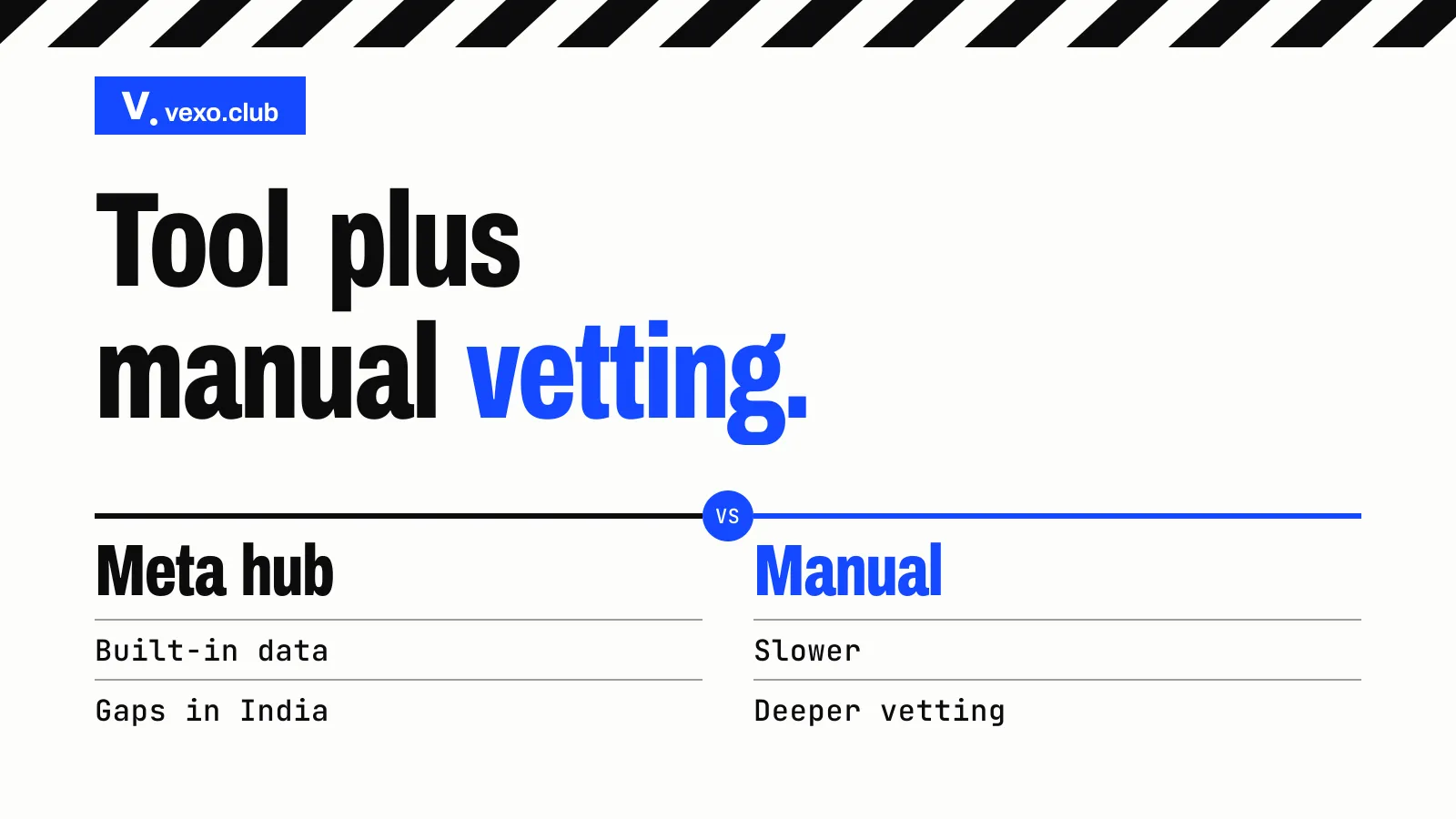
Use Instagram’s tool to find creators and to widen a shortlist. Do not use it to vet them, contract them or pay them. Meta’s own help pages describe discovery, a message channel, a campaign form and an ad-permission step, and then say plainly that the money moves outside Meta. The checks that protect an Indian brand sit outside the tool: the audience read, the written agreement, the GST and TDS paperwork, the ASCI label. How much of the search you hand over depends on two things. How big the brand is, and how often it runs campaigns.
What to take from this article
In short
- Use Meta’s tool to find creators and to widen a shortlist. Do not use it to vet, contract or pay them: Meta’s own pages say payment happens off the platform.
- The brand-side tool is now called Meta Creator Marketing Hub. It merged the creator marketplace and the Partnership Ads Hub in September 2026, so older guides describe a renamed product.
- India was named among the markets in February 2024, but the current eligibility page lists no countries and says the feature may not be available to you yet. Open Meta Business Suite to find out.
- The tool shows reach, engagement, an engaged-audience breakdown, past partners and badges. The pages do not describe an authenticity check, a language filter, a contract or an escrow.
- Small brands with occasional campaigns can lean on the tool most. Brands that run campaigns all year should keep their own roster and treat the tool as one input.
One correction before the detail. Meta no longer calls the brand-side tool the creator marketplace. It launched Meta Creator Marketing Hub globally on 15 September 2026, and its own announcement says the hub is where brands discover, message and activate creators in one place. Meta had said in June that the hub would bring the Creator Marketplace and the Partnership Ads Hub together. “Creator Marketplace” now names the creator side: the opt-in profile and the project inbox. A lot of what ranks for this topic still describes the old arrangement. Everything below was read on 24 October 2026. What the tool is and how it compares with a desk is in the explainer on the marketplace, and this guide does not repeat it.
Is the tool open to Indian brands today?
Probably, and the only proof is to log in. Meta named India among the markets it was expanding to beyond the US in its February 2024 announcement, and a 2025 Mint report says Instagram introduced the tool in India in 2024. The current eligibility page for businesses is vaguer. It says a brand must be based “in one of the countries where Creator Marketing Hub is available” and the page text does not list them. The same page carries Meta’s standing caveat that the feature may not be available to you yet.
So this article cannot confirm India’s status from a current Meta list, and nobody else can on your behalf. The test takes two minutes. Open Meta Business Suite and look for Creator marketing in the left navigation. You can also find it in Ads Manager under All tools, then Advertise. If the entry is there and the Get started button works, you are in.
What does a brand need before it can log in?
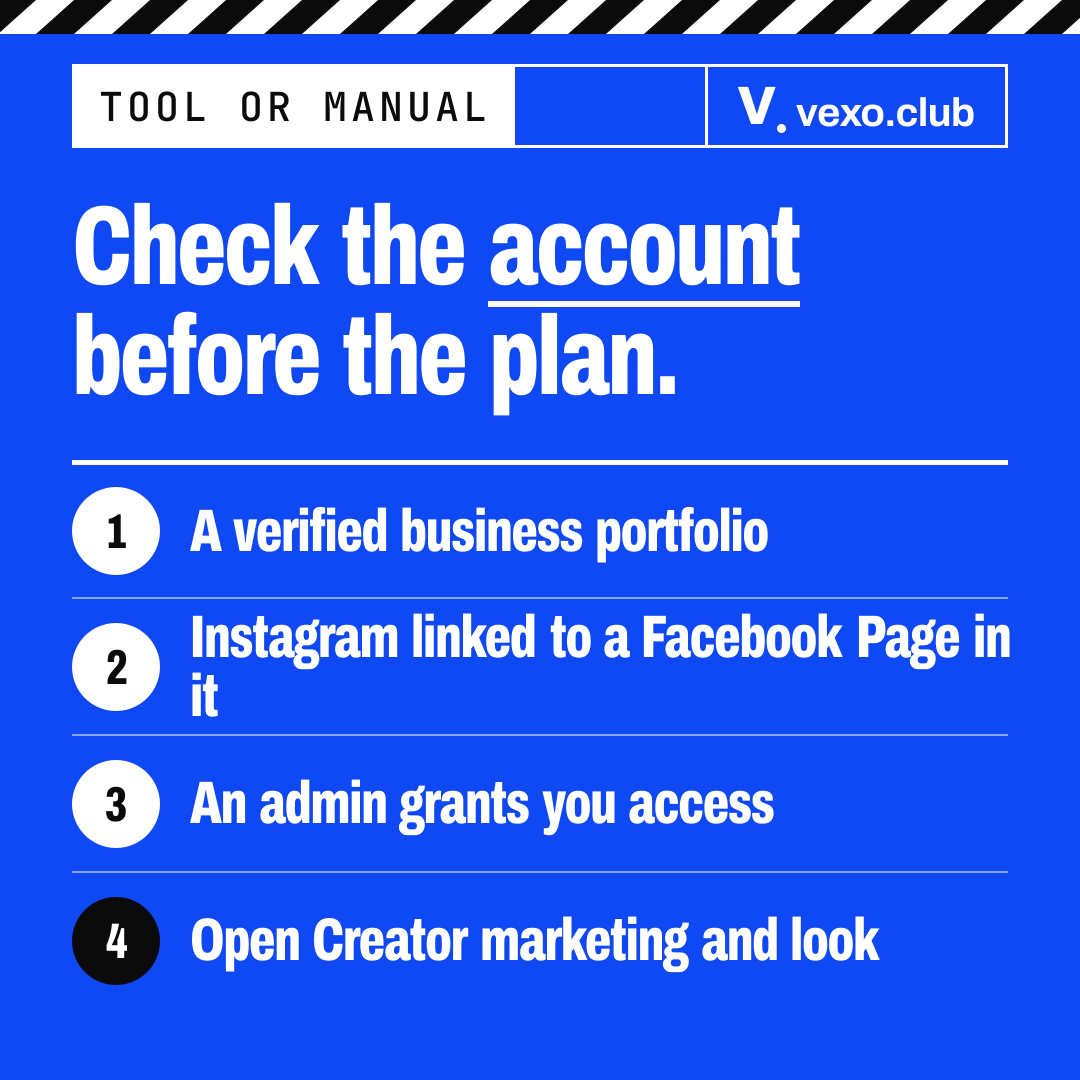
Meta asks three things of a brand, and the second is where small Indian brands stall.
- The brand is based in a country where the hub is available.
- The brand has a verified business portfolio, the Meta business account that holds its Pages and Instagram account.
- The brand’s Instagram account is linked to a Facebook Page that meets the partnership ads rules, and both the Instagram account and the Page are business assets of that verified portfolio.
Meta lists these on its eligibility page for businesses and its onboarding page. The practical trouble is ownership. A Page that sits in a freelancer’s or an old agency’s portfolio, or that was set up from a founder’s personal profile, will not pass until the assets sit under the brand’s own verified portfolio. Meta also says a portfolio admin must grant each person access, that creating campaigns needs creator management permission, and that the permission screens are on desktop. Ask who owns the Page before you plan anything. It is the cheapest question in the whole process and the one most often asked too late.
What a brand needs before the tool opens
What does the tool show about a creator?
More than a public profile, and less than a diligence file. On the insights page Meta lists a creator’s total followers, accounts engaged and accounts reached over the latest month, with a note that reach counts unique accounts and is not impressions. Open the full creator profile and you also get more detailed performance metrics, a breakdown of the engaged audience, badges for past ads partnership experience and responsiveness, and the creator’s previous content including previous ads.
Search runs on personalised recommendations for your brand, an AI keyword search, and filters for interests, age and follower count, applied to creators or to their audiences. Meta’s find creators page adds saved lists, and a CSV upload of creator handles you already work with, which returns similar creators. Meta’s spokesperson told Mint that hook rate, interaction rate and past partners had been added to the tool. Richer insights appear when the creator has joined the marketplace, so the best data is on the creators who opted in.
The data is first-party, and that matters. One oral-care founder told Mint he had never subscribed to a paid discovery tool because he could not tell whether the numbers were accurate, trusted Meta’s as official, and used the tool to find creators in West Bengal for a Durga Puja push. That is a good use: regional discovery inside a festival window, from numbers the platform itself reports. A quick-service chain’s marketing head told the same report he would still pay a platform that screens comments and studies the audience more closely, because Meta’s insights felt generic at the level of spend he runs. Both are one person’s view. Together they sketch the split this article ends on.
How does a deal run, and how does the money move?
A campaign in the tool is a form. Meta’s page has the brand pick a goal, decide whether the campaign is discoverable by creators or invite-only, and decide whether the offer is fixed or open to negotiation. You then set deliverables (stories, posts and reels), a window for interest and a window for posting, and the compensation. Meta states that neither date is enforced.
How a deal runs in the tool, as Meta describes it
- Brand builds a campaign Goal, discoverable or invite-only, fixed or negotiable, deliverables, offer
- Brand invites or creators apply Invitations from saved lists, or interested creators reviewed
- Creator accepts Accepting means agreeing to post for the offered payment; the brand cannot edit after
- Creator posts with the label The creator picks the project when adding the paid partnership label
- Brand pays directly Off Meta, to an account the two agree on
- Brand marks it paid The project then shows the amount earned
The compensation rules are where Indian brands should slow down. Meta says a campaign must offer a minimum of $100 as payment, split into payment for the content and a separate payment for ad boost permission if you want to run the post as a partnership ad, with free product as an optional extra. The summary is shown as a total per creator, so read the minimum as per creator and confirm it in the form. This is not a barter tool. A product-only seeding run does not fit the form, and a brand that wants to test twenty small creators with a parcel each will not use it to do that. If you are weighing that choice, the seeding versus paid framework is the better start.
On the creator side, Meta’s project invitation page says accepting a project means agreeing to post the content outlined for the offered payment, and the brand cannot change the project afterwards. The creator must select the project when adding the paid partnership label, which also grants any ad permissions agreed in the project. When the content is posted the project status changes, and the brand then pays and marks it as paid. If a brand opts out of the hub, Meta says it must have no active campaigns and must have made any pending project payments.
What Meta says about the money
“You will receive payment directly from the brand (not through Instagram or Facebook) so make sure you agree on where the brand will send the payment.”
Instagram Help Center, Manage project invitations on Meta Creator Marketplace,
That quote is the whole payment system. There is no escrow, no invoice generation and, in the pages we read, no route for escalating an unpaid project. For an Indian brand it means the payment is your own finance process, started from a form that Meta does not see. You need the creator’s legal name and bank details, an invoice, a decision on GST where the creator is registered, and TDS where it applies. Rates and thresholds change, so read the current text in the GST invoicing guide and the TDS guide rather than a number from an old post. If you send free product, Meta says everything involved in sending it is your responsibility, including the collection and use of personal information. A creator’s home address is personal data, so keep it out of open chat groups and shared sheets.
Where does the tool go quiet?
Seven places, and the matrix below lines each up against what the brand still has to do. Reading it is the benchmark: for each job in a campaign, the tool either gives you something or it does not.
The jobs in a creator campaign, and who does each
| What the tool gives | What the brand still does | |
|---|---|---|
| Finding creators | Personalised recommendations, keyword search, filters, saved lists | Cover creators who have not opted in or are not on Instagram |
| Reach and engagement | Recent-month reach and accounts engaged on each creator card | Read a normal month, not only the latest one |
| Audience breakdown | A breakdown of the engaged audience on the full profile | Ask for the creator’s own insights and compare |
| Language and city fit | Not described on the pages read: confirm what the filters offer | Read the content in the language it is made in |
| Fake or bought engagement | Not described on the pages read | Read the comments and the audience yourself |
| Past brand work | Past and active partnership ads, past partners, badges | Check whether paid work was labelled, and how it was received |
| Terms, usage and exclusivity | A campaign form with deliverables and a payment offer | A written agreement for usage, exclusivity, takedown and approvals |
| Payment, GST and TDS | Records the offer and marks a project as paid; money moves outside Meta | Invoice, GST, TDS and the bank transfer |
Start with who is in it. A creator needs a public professional account, must be at least 18 and needs at least 1,000 followers, per Meta’s creator eligibility page. Anyone under that line, anyone on a private or personal account, and anyone who never opted in is thin or invisible in the tool. Creators who do not publish on Instagram, such as the long-form YouTube voices a category may rely on, are absent by design. There is also a selection effect we cannot size. Creator threads on Reddit describe low offers and slow replies from marketplace brands. Those are anecdotes, but they are a reason to expect that some of the creators who have time to answer a cold project are the ones with spare capacity.
Language and place are the next gap. Meta’s pages list interests, age, follower count and target audience as filters. We could not confirm a language or city filter on them, and in India that decides whether an ad for a Tamil-speaking buyer reaches one. Test it with ten creators you already know in a regional language and see whether they appear. Fake or bought engagement is the third. The insights page describes reach, engagement, a breakdown of the engaged audience and badges. It does not describe an authenticity check. Past partners is the fourth: it shows work that ran through Meta’s labels, so a creator with an empty history may be new, or may be someone who does not label paid posts. You find out by reading the posts. The label itself is a Meta tool, and the ASCI rules for brands are a separate set that you should read in the disclosure guide.
The last three are the ones that cost money. The figures come from a recent month, so a quiet month is the month you see. The campaign form records an offer, not a contract: usage beyond the ad permission, exclusivity, takedown, approvals and a morality clause are not in it, and the usage rights guide and the contract clauses guide cover what to add. And neither posting date is enforced, so a launch that needs content on a fixed day needs a clause or a different route.
Why the tool is not the whole process
What does manual sourcing do better, and what does it cost?
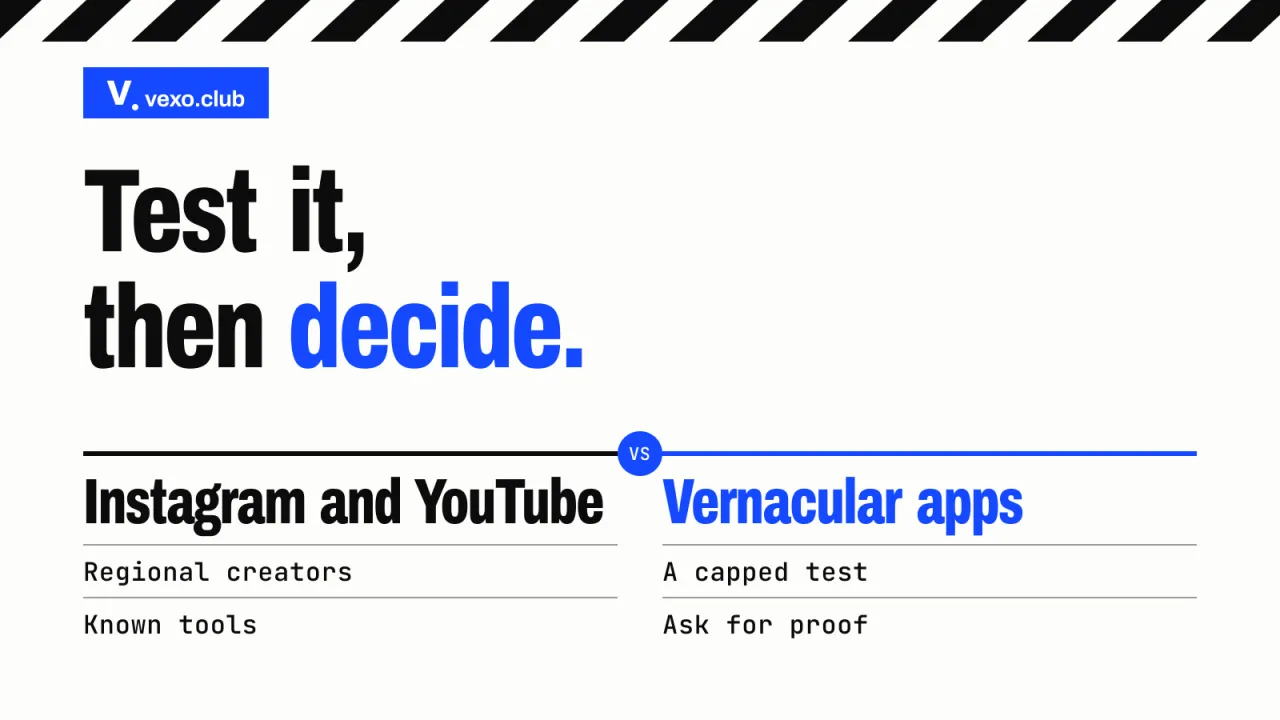
Manual sourcing covers what the tool cannot see, at the price of your time and your judgement. It means searching Instagram by hashtag and place, reading who customers and competitors tag, asking creators you trust for referrals, and requesting a media kit and fresh insights before an offer. It reaches creators below the 1,000 mark, regional and vernacular voices, and creators on other platforms. How to find and vet micro-influencers sets out the method, and checking an influencer’s audience is the audience read in detail.
The cost is real. Creator-supplied numbers can be selective, since a screenshot shows the best week. Each creator is a fresh chase. Nothing is saved in a searchable form unless you save it. Manual work is also where knowledge leaves with the person: when the one team member who knew the creators moves on, the shortlist goes with them. The fix is a roster in a shared sheet, kept current, with the notes that explain each choice. A tool does not remove that need. It shortens the first step.
Which route fits which brand?
The honest answer turns on two things. A small brand with a few campaigns a year has the most to gain from the tool and the least capacity to search by hand. A brand that runs all year gains from building its own roster, because rebooking proven creators costs less than searching again. A larger brand has more at stake in each contract, so it needs a named person who vets and papers every deal whichever route found the creator.
How much to hand to the tool, by brand size and how often you run campaigns
Small brand, a few campaigns
Small brand or budget, A few campaigns a year
- Let the tool do the search and the first shortlist
- Vet the final few by hand and write a one-page agreement before any offer
Small brand, always on
Small brand or budget, Campaigns all year
- Use the tool to find, then keep a roster of the creators who worked
- Rebook from your own list, not from a fresh search each time
Large brand, a few campaigns
Large brand or budget, A few campaigns a year
- Use the tool to widen a long list and cross-check a desk’s shortlist
- Run vetting, contracts and approvals through a named owner
Large brand, always on
Large brand or budget, Campaigns all year
- Treat the tool as one source beside your own roster and past results
- Build the contract, invoice and reporting routine once and reuse it
Across A few campaigns a year Campaigns all year
Up Large brand or budget Small brand or budget
Three scenarios, all illustrative. A D2C founder launching a skincare range in Hindi and English wants a handful of creators once. She has one person and no agency. She logs in, finds that the Page belongs to her old freelancer, spends a week moving it under a verified portfolio, then shortlists in the hub. She asks each finalist for current insights and reads the last stretch of posts for ingredient claims. She skips the campaign form and sends a short agreement instead, because she wants a posting date she can enforce. Tool for the search, hand for everything after.
A mid-size fashion brand with a festive burst across four languages sees the gap quickly. The tool finds creators in two of the languages and a filter question in the other two. The team uses the hub for the first two and manual sourcing for the others, and keeps one sheet for all of them. A large brand with always-on creator work and a finance team treats the hub as one feed into a roster it already owns. It cares less about discovery than about the contract, the invoice and the report, which is the part that never lived in Meta’s tool. The platform versus agency guide covers the choice between software and a desk for that third brand.
How do you combine both, step by step?
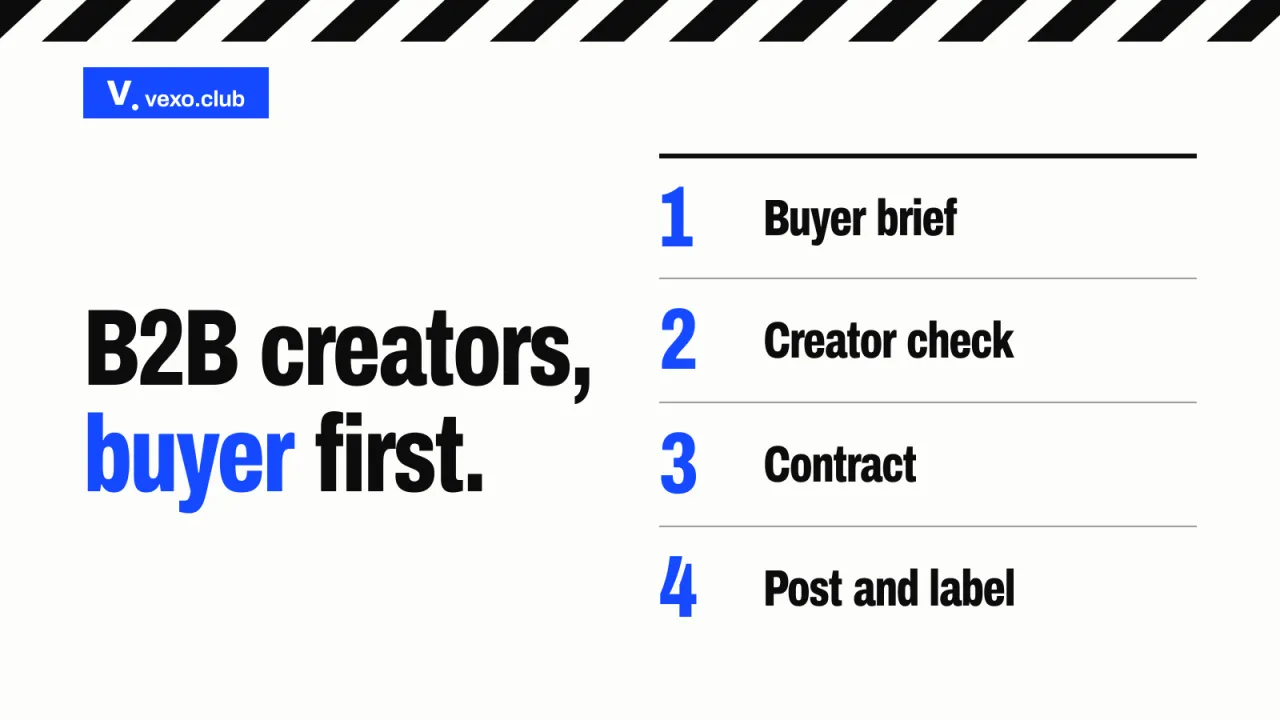
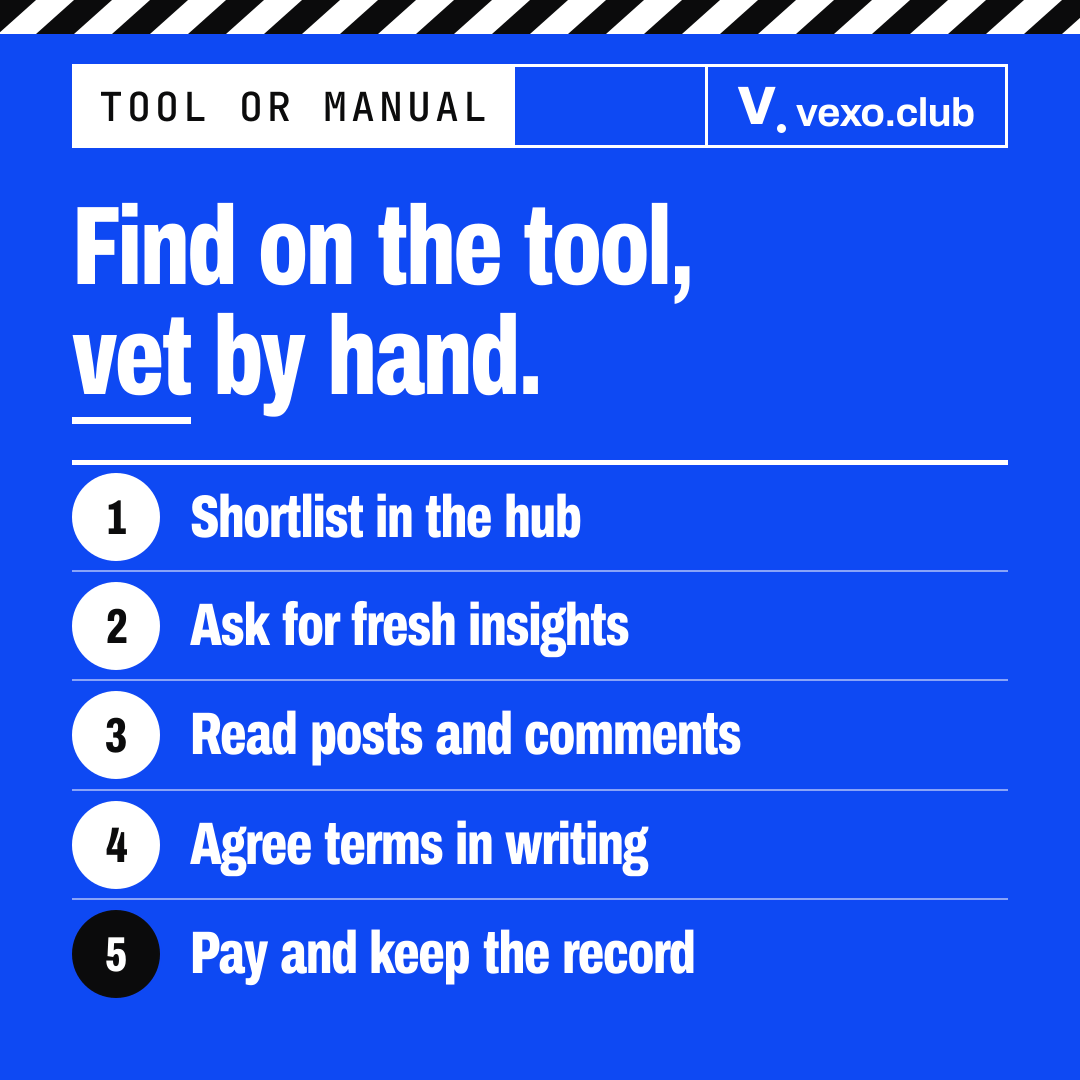
Find in the tool, then vet by hand. In order:
- Confirm access in Business Suite, and fix Page ownership first if the entry is missing.
- Search by interest and audience, then save a short list. Upload the handles of creators you already trust and read what the tool calls similar.
- Add the creators the tool cannot see: referrals, creators you found by hand, and anyone outside Instagram.
- Ask every finalist for current audience insights and a few recent posts, whichever route found them.
- Read the comments, the posts and the ASCI labelling yourself, and drop anyone you cannot read well enough to judge.
- Agree terms in writing before the offer: deliverables, dates you can hold them to, usage, exclusivity, takedown and the payment date.
- Use the campaign form if you want the project record and ad permission in one place. Otherwise use a plain agreement. Pay by your normal route, mark it paid, and add the creator to your roster with a note on how it went.
Before any offer goes out, whichever route found the creator
- Their own audience insights, dated this month, not only the card in the tool
- The last several posts read for tone, claims and how paid work was labelled
- The comments read, not counted
- Past brands asked, where a creator offers a reference
- The offer split into content, ad permission and any free product
- Usage, exclusivity and takedown written down before the post
- How and when the invoice will be paid, and who deducts TDS
The combined route, in order
What should the first message say?
Keep it plain and put the evidence request in it. This one works from the hub’s message screen or from the creator’s email when the card shows one: “Hi [name], we are [brand], a [category] brand based in [city]. We found your profile in Meta’s Creator Marketing Hub. Before we send a project, could you share a screenshot of your audience insights from this month and the reach of your last few Reels, and say whether your quote covers the post only or also permission to run it as an ad? A written agreement will go with the project. We pay by bank transfer against an invoice, with GST and TDS handled as the law requires.” A creator who answers that cleanly is easier to work with. One who refuses to share insights has told you something too.
When is the tool the wrong choice?
Skip it, or use it only for a first look, in four cases. You are running product-only seeding, which the payment minimum does not suit. Your best creators are below the follower line or off Instagram. The date cannot move, and the tool does not enforce dates. Or the category needs a compliance read on every post, as health and money claims do, and the review sits with you either way. The tool does not hurt in any of these cases. It just does not carry the weight.
What to do this week
Open Meta Business Suite and check for Creator marketing. If it is missing, ask who owns the Page and which portfolio it sits in. Save one list of ten creators, five from the tool and five from your own sources, and ask all ten for current insights with the message above. Write down which route produced the ones you would rebook. After one campaign, that note is worth more than any guide.
Questions brands ask
Is the Instagram Creator Marketplace available to brands in India? Meta named India among the new markets it was expanding to in February 2024, and Mint reported in 2025 that the tool arrived in India in 2024. The current brand eligibility page lists no countries and says the feature may not be available to you yet. Open Meta Business Suite and look for Creator marketing.
What is the difference between Creator Marketplace and Creator Marketing Hub? The hub is the brand-side tool that Meta launched globally on 15 September 2026. It brings the creator marketplace and the Partnership Ads Hub into one place. Creator Marketplace is now the name of the creator-side opt-in, with the profile and the project inbox.
What does a brand need to use it? A brand based in a supported country, a verified business portfolio, and an Instagram account linked to a Facebook Page, with both owned by that verified portfolio. A portfolio admin must grant each user access. Small brands most often stall on Page ownership, so check that first.
What does it show about a creator? Total followers, accounts engaged and accounts reached over the latest month on the card. On the full profile you get more detailed metrics, an engaged-audience breakdown, badges, past partners and previous content. Meta’s help pages do not describe an authenticity check, so the audience read is still yours.
How are creators paid through it? Directly by the brand, outside Instagram and Facebook. Meta’s form records the offer, lets the brand mark a project as paid and requires a minimum payment of $100 per Meta’s page. GST invoicing, TDS and the transfer are the brand’s own work.
Can I use it for gifting or barter? Not as the campaign form is built. The form requires a minimum payment and treats free product as an optional extra. For gifting, run a seeding programme with your own list. The paid partnership label still applies to gifted product.
Does it replace an agency or a paid discovery platform? For finding creators in one language on Instagram, it can for a small brand. It does not do the contract, the audience read, the payment or the report, and Meta does not claim it does. A brand with a large budget or many languages still needs a person or a desk to do those jobs.
If you have a creator list from the tool and want a second pair of eyes on it, or a brief that mixes the tool with creators found by hand, you can send the desk a brief. It will say plainly which parts it would do and which you can keep.
Sources
- facebook.com/business/news/iab-global-creator-week-making-it-easier-for-businesses-to-partner-with-creators (opens in a new tab)
- bring the Creator Marketplace and the Partnership Ads Hub together (opens in a new tab) facebook.com
- February 2024 announcement (opens in a new tab) about.fb.com
- 2025 Mint report (opens in a new tab) livemint.com
- eligibility page for businesses (opens in a new tab) help.instagram.com
- onboarding page (opens in a new tab) help.instagram.com
- insights page (opens in a new tab) help.instagram.com
- find creators page (opens in a new tab) help.instagram.com
- Meta’s page (opens in a new tab) help.instagram.com
- project invitation page (opens in a new tab) help.instagram.com
- Meta’s creator eligibility page (opens in a new tab) help.instagram.com
- Reddit (opens in a new tab) reddit.com
Cite this page
Instagram creator marketplace or manual sourcing: what to rely on in India. vexo.club, published 27 Nov 2026. https://vexo.club/blog/instagram-creator-marketplace-vs-manual-sourcing
Influencer marketing across India
Send the desk a brief: it comes back as a shortlist and a directional band, never a public price.
Brief the desk