The influencer campaign report a brand should receive: the columns, what each one counts after the platforms changed their view metrics, and a template to copy
The influencer campaign report a brand should receive: the columns, what each counts after the platforms’ view changes, and a copyable template. Fourteen columns, a header block and the rules for what is marked and what is totalled, with no example figures.
Teardowns Updated 17 min read Analytics
In this article10 sections
An influencer campaign report should give a brand one row for every creator post, in the same columns each time: views, reach, engagement rate, clicks, orders, cost and a next move. Each figure says who counted it and whether it is verified. The influencer marketing report template below is complete and carries no example figures.
This guide comes from vexo.club, an influencer marketing agency run from one desk in Delhi NCR, which sends a report sheet every Monday. It sets out a fuller form of that report, reads each view metric from Meta’s and YouTube’s own pages, and prints no sample numbers, because a template with example figures is copied with them.
The campaign report, in short
- A report is a table with the same columns every week, one row for each creator post, and a next move at the end.
- Every figure says who counted it: the platform’s export, a tracked link, a promo code or the brand’s own data. A figure nobody can source yet is marked unverified and left out of every total.
- On Instagram, views now stand where impressions and plays used to; on YouTube, a Short’s view now counts every start or replay. The two platforms do not count a view the same way, so the report names the metric and does not add them together.
- Engagement rate means nothing without its divisor. The same post has one rate on reach, another on views and another on followers.
- The template below has fourteen columns, a header block and four footer lines, and it is printed in full.
What should an influencer campaign report contain?
It holds three parts: a header that says what the campaign is for, one row for each creator post, and a footer for totals and the next move. The header copies two lines from the desk’s open brief template: the objective, with the one number that decides whether it worked, and the attribution method. The rows carry fourteen columns, in four groups:
- Who and what was posted. Creator, platform and format, live date, and the label check.
- What was counted. Views, reach, engagement rate, clicks and orders.
- What it cost. Spend, CPM and cost per acquisition.
- What happens next. The columns not yet verified, and the next move.
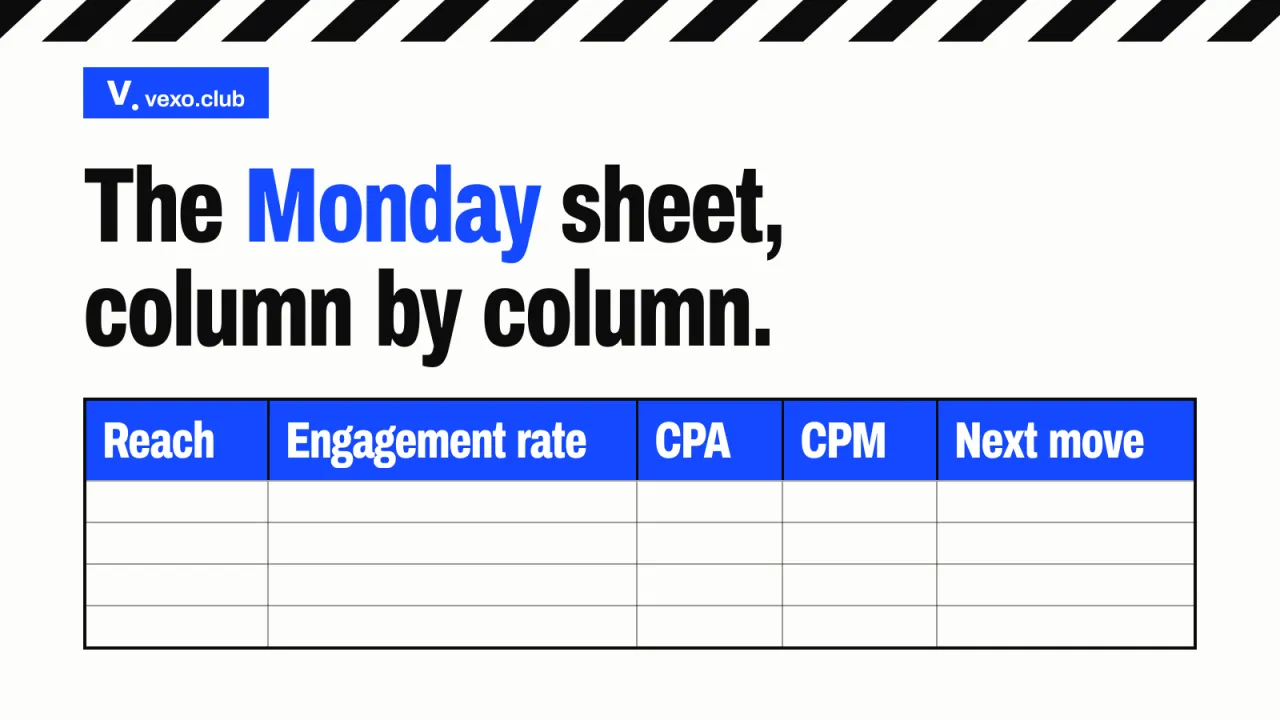
The desk’s Monday sheet carries reach, engagement rate, cost per acquisition, CPM and the next move, with a compliance check on each post. The sample Monday sheet shows reach, engagement rate, cost per acquisition and the label check with a dash in every figure cell, and the Monday sheet, column by column takes it apart. This template is the longer form: it adds views, clicks, orders, spend and a column for what is not yet verified.
The fourteen columns of a campaign report, in four groups

What did Instagram and YouTube change about views?
Both changed what a view counts: Instagram introduced views and deprecated impressions and plays in its Insights API, and YouTube now counts every start or replay of a Short. Meta’s Instagram Platform changelog dates the first change to 21 January 2025, with impressions and plays deprecated in every version from 21 April 2025. YouTube’s Shorts help page dates the second to 31 March 2025.
What changed in how a view is counted, as the platforms’ pages date it
- 2 July 2024 Instagram’s impressions metric is deprecated in the Insights API for media created on or after this date
- 21 January 2025 Meta’s changelog introduces views for media and user insights and deprecates impressions and plays from API v22.0
- 31 March 2025 A Short’s view counts every start or replay with no minimum watch time; the earlier measure is kept as engaged views
- 21 April 2025 Impressions and plays are deprecated in every version of Instagram’s Insights API
- Page undated YouTube’s page on video reach says a view is counted the moment a video starts to play, across all formats
The wording matters more than the dates. Meta’s developer reference for Instagram media insights defines views as “Total number of times IG Media has been played on Instagram”. YouTube’s Shorts page says views “will count the number of times a Short starts to play or replay, with no minimum watch time requirement”. Its page Understand your YouTube video reach says “Views are counted the moment a video starts to play across all formats”.
Views and reach, on Instagram and on YouTube
| YouTube | ||
|---|---|---|
| What the page says a view is | A play of the media on Instagram, as Meta’s developer reference defines it | A start or replay of the video, with no minimum watch time for a Short |
| What it replaced | Impressions, and plays on Reels, in the developer tools | For Shorts, a count that needed a minimum watch; that measure is kept as engaged views |
| Paid views | The API’s views metric is organic only; total_views adds boosted, ad and Facebook views, and Meta’s changelog says that total matches the Insights dashboard | A video used as an ad follows its own rules: skippable ads longer than ten seconds count after thirty seconds or a full watch, non-skippable ads never count |
| Reach, or its nearest measure | Reach: unique accounts that saw it at least once, labelled estimated | Unique viewers: an estimated number of viewers in the date range |
So a view counts a play or a start, not a person, and the two platforms do not count it alike; how each platform counts a view sits beside the formats it applies to. A report that compares weeks on either side of a change is comparing two definitions, and says so.
What does each column count, and who counts it?
Each column has one counter: the platform for views, reach and interactions, a tracked link for clicks, the brand’s own data for orders, and the quote for spend. CPM and cost per acquisition are worked out from those. The report prints the counter beside every figure, and the table in the template, below, lists all ten.
Reach is easy to misread. Meta’s Business Help Center says estimated metrics are “derived through statistical sampling or modeling, not a straight count”, and its developer reference marks Instagram’s reach as estimated. YouTube’s nearest measure, unique viewers, is an “Estimated number of viewers that watched your content within the selected date range”. Neither is added across creators; what the desk counts as reach says why.
Engagement rate is worked out by the report, not read from the platform, so it states its divisor. Meta’s reference counts interactions as “likes, saves, comments, and shares”. The same post has one rate on reach, another on views and another on followers, and the glossary entry gives the working.
Clicks come from the tracked link’s own report, and orders from the brand: code redemptions, an affiliate dashboard or the checkout, with returns and cancellations taken out. Each method misses something, and the guide to measuring return without inventing it says what. CPM and cost per acquisition are arithmetic on the quote, so they name their divisor. Instagram’s Insights API does not serve impressions for posts created from 2 July 2024, so an organic CPM here is spend per thousand views or per thousand reached, and the report says which. A paid ad’s CPM comes from the ad tool that served it.
Why does a report mark unverified figures and never total them?
Because a total hides which part of it is soft. A figure is unverified until someone can show where it came from. The desk’s rule is short. Figures that cannot be verified are marked as such and never totalled.
Meta gives a second reason. Its Business Help Center says in development metrics are “measurements we’re still testing”, which Meta “may make adjustments until they’re accurate”, and that businesses shouldn’t use them for “Historical comparison of advertising performance” or “Strategic planning or important business decisions”. The developer reference labels Instagram’s views and total interactions “Metric in development”, so the report flags both, and a trend or a budget decision should not rest on them alone.
What is added is limited: reach overlaps between creators, and rates do not add. The footer follows the rule below.
What the footer adds up, and what it never does
Added, from verified cells only
- Spend
- Clicks
- Orders
- Views, within one platform and one metric name
Never added
- Reach, because it overlaps between creators
- Engagement rate, because rates do not add
- CPM and cost per acquisition, which are worked out again from the totals
- Anything marked not yet verified
The mark is what keeps the report honest: a gap with a reason can be filled later, and a guess inside a total cannot be taken back.
The rule for a figure nobody can yet source

How often should an influencer report arrive?
Weekly while posts are live, once at the close, and monthly for an always-on programme. Three reports, each with its own job:
- Weekly, while posts are live. The same columns in the same order, so the brand sees what changed. It ends in a next move.
- A close-out, once. The weekly columns for the whole campaign, the totals the rules allow, and a plain sentence on what the numbers could not see.
- Monthly, for an always-on programme. The trend across weeks, with each creator read against their own earlier posts, as in an always-on roster through its first rotation.
Meta’s developer reference says the data behind Instagram metrics “can be delayed up to 48 hours”, and that Story metrics are “only available for 24 hours” through its API. So the header records when the data was read, and Stories are asked for while they are fresh.
What is the next-move column for?
It turns a table of figures into a decision for the coming week: continue, change the creative, shift budget, pause or stop. It is the one column that is not a measurement, and it is written by a person, with the reason.
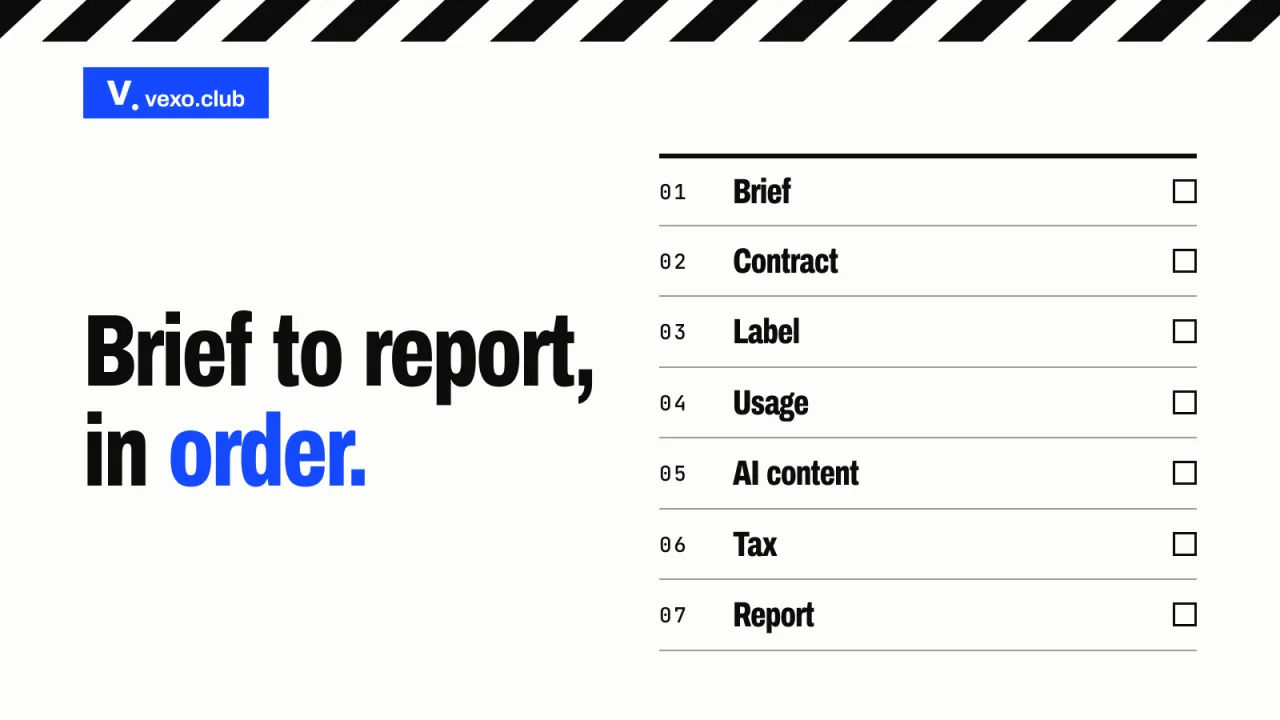
The next move is the last step of a short routine, and the order matters: the decision rests on the totals, and the totals rest on the marks.
How a weekly report is put together
- Export From each platform and tool, with the date range and the metric names as printed.
- Mark Write who counted each figure, and mark any that is not yet verified.
- Total Add only the columns that can be added, from verified cells only.
- Decide A next move for each row and one for the campaign, with the reason.
What should an influencer campaign report not contain?
Four things: screenshots in place of exports, one blended total, a return on ad spend with no attribution method behind it, and follower counts offered as results. Each makes a number look firmer than it is.
Reporting: do and don’t
Do
Attach the platform’s export, with its date range and the metric names as printed
Don’t
Paste a screenshot that shows neither the range nor the name
Do
Show each platform’s views under its own metric name
Don’t
Add Instagram views to YouTube views and print one number
Do
Name the attribution method beside every sale
Don’t
Print a return on ad spend with no method behind it
Do
Report results against the objective in the brief
Don’t
Offer follower counts as a result
Do
Say what the numbers could not see
Don’t
Leave a gap blank and unexplained
What a report leaves out can cost as much. In the festive and wedding seasons a brand’s own discounts and paid media often run on the same dates as the creator posts, so the header names them. Storyboard18’s report of a panel at its Global GenZ Summit, published on 2 September 2026, describes a creator’s coupon code losing credit when another team offers a better discount: the creator’s contribution “can disappear from the final attribution”. One panellist also suggested, for a YouTube campaign, watching “the increase in branded search volume”. That is advice, not a finding, and the template gives each a line.
The influencer marketing report template, in full
Copy the header block, the column heads and the footer lines below into a sheet, and fill them from each platform’s export. The header block comes first, eight fields above the table:
The header block: eight fields above the table
- Campaign name and brief reference
- Objective, and the one number that decides whether it worked
- Period covered, from and to
- Date and hour the data was read
- Attribution method fixed in the brief
- Platforms and languages in this report
- Other activity in the same dates: sales, discounts, paid media
- Prepared by, with the operator’s name
Then the table, one row for each creator post. Paste this line as the header row, and split it on the bar:
Creator and handle | Platform, format and language | Live date and link | Label checked | Views | Reach | Engagement rate | Clicks | Orders | Spend | CPM | Cost per acquisition | Not yet verified | Next move
What goes in each cell, in column order:
- Creator and handle. The name, and the account the post is on.
- Platform, format and language. Instagram Reel, YouTube Short, integration, Story or carousel, and the language. A brief in several languages keeps their rows apart.
- Live date and link. The day the post went live, and its link.
- Label checked. Yes or no, the date, and who checked. The desk’s sample sheet keeps a dated screenshot.
- Views. The platform’s figure, the metric’s name as printed, the date range, and whether it includes boosted, ad or Facebook views.
- Reach. Instagram’s reach, or YouTube’s unique viewers, marked as an estimate.
- Engagement rate. Interactions divided by one stated divisor: reach, views or followers.
- Clicks. Clicks on the tracked link, from the link’s own report.
- Orders. Orders the stated method attributed, with returns and cancellations taken out.
- Spend. The fee lines charged to this row, and whether they include GST.
- CPM. Spend per thousand views, or per thousand reached. Say which.
- Cost per acquisition. Spend divided by orders, with the method named.
- Not yet verified. The columns in this row whose figure is not yet verified, or “none”.
- Next move. Continue, change the creative, shift budget, pause or stop, with the reason.
Two definition rows sit directly under the column heads, so a reader sees who counted each column, and when its figure counts as verified, before they see a figure.
Each column, who counts it, and when it counts as verified
| Counted by | Verified when | |
|---|---|---|
| Views | The platform, under its own metric name | An export that shows the metric name and the date range; flagged where the platform labels the metric in development |
| Reach | The platform, as an estimate | An export that shows the date range; unique viewers on YouTube |
| Engagement rate | The report, from the platform’s interaction counts | The interactions and the divisor are both verified; flagged where the platform labels the interactions in development |
| Clicks | The tracked link’s own report | The link report is in hand for the same dates |
| Orders | The brand: codes, affiliate dashboard or checkout | The brand confirms the count, returns and cancellations taken out |
| Spend | The quote, line by line | It matches the invoices, and says whether GST is in it |
| CPM | Worked out from spend and a stated count | Spend and the count it divides by are both verified |
| Cost per acquisition | Worked out from spend and orders | Spend and orders are verified, and the method is named |
| Label checked | Whoever checks the label, named | A dated record of the check |
| Next move | The operator | Not a measurement; it carries a reason |
Under the table, four lines:
- Totals. Spend, clicks and orders, from verified cells only; views within one platform and one metric name; never reach or rates.
- What this report could not see. One plain sentence.
- Branded search, if the brand tracks it. The change over the same dates, from the brand’s own search data, labelled as an indirect signal.
- The campaign’s next move. One or two sentences from the operator, with the reason.
Who counts each number in a campaign report

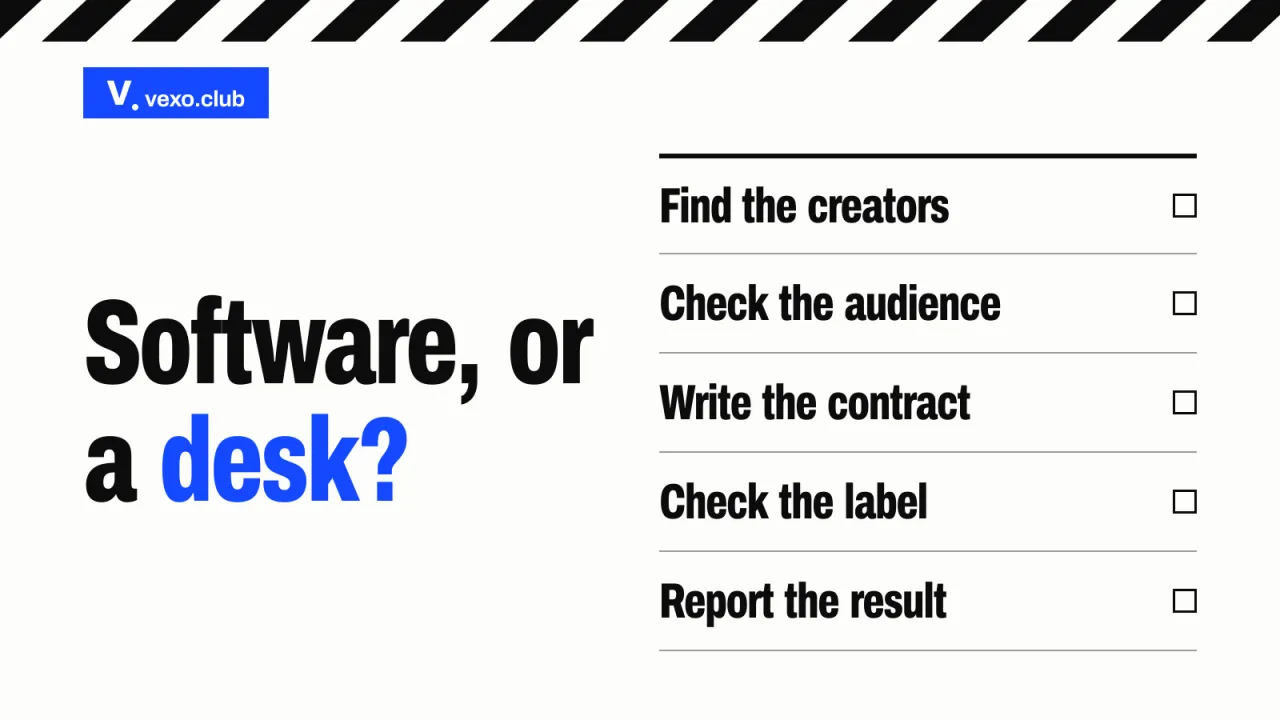
How do you read an agency’s sample report before you sign?
Ask for it before the contract, with the numbers removed, and check three things: that each figure names its counter, that the metric names and date range are the platform’s own, and that unverified figures are marked and the report ends in a decision.
A sample with numbers is a pitch. A sample without them is a layout, and the layout is what the brand is buying. The twelve-line proposal scorecard lists the report and the day it arrives among the lines to find. Put these three questions to every agency, the desk included.
Three checks on a sample report
- Does every figure say who counted it?
- Are the metric names and the date range the platform’s own?
- Is an unverified figure marked, and does each row end in a next move?
A brief can be sent to the desk, and the report arrives every Monday.
Questions brands ask
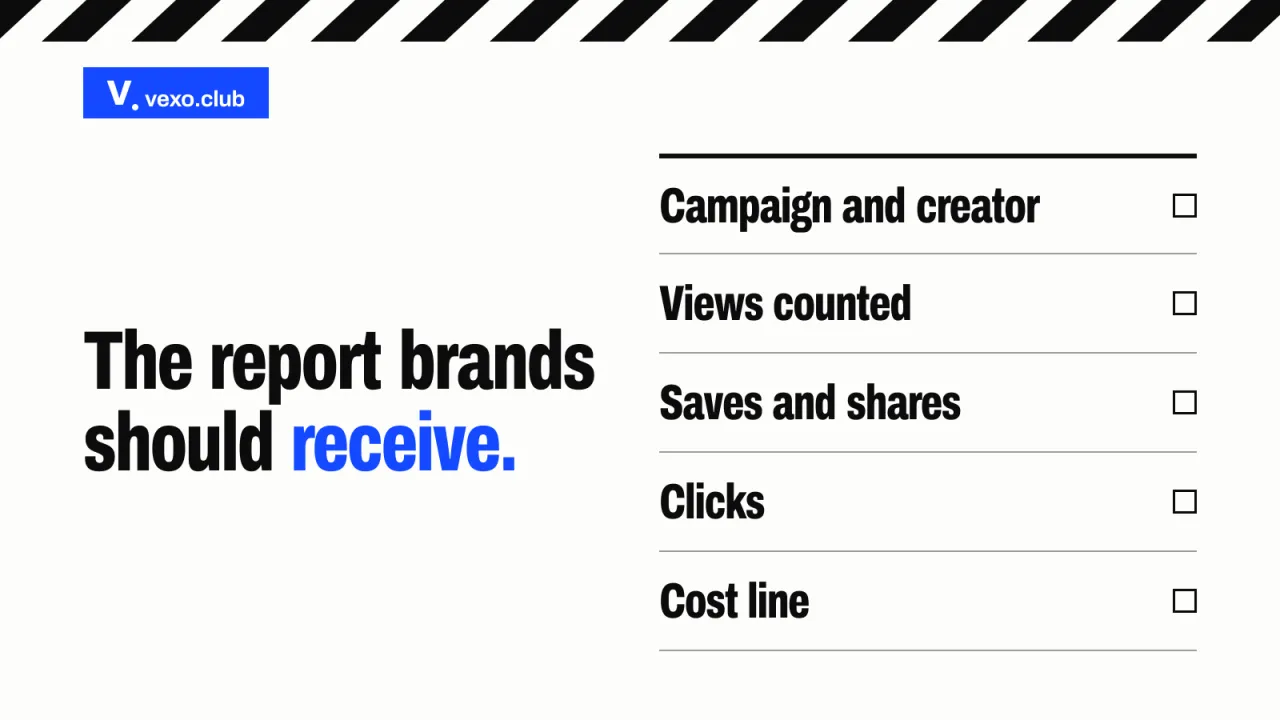
What should an influencer marketing report include? A header with the objective, the attribution method and the dates, one row for each creator post, and a footer. A row carries views, reach, engagement rate, clicks, orders, spend, CPM and cost per acquisition, and each figure names who counted it. The footer holds totals from verified cells only, and a next move.
How is a view counted on Instagram and YouTube? Instagram’s developer reference defines views as the total number of times the media has been played, and Meta’s changelog added the metric on 21 January 2025. YouTube’s Shorts page says a Short’s view counts every start or replay, with no minimum watch time, from 31 March 2025. The counts differ, so a report names the metric and does not add them.
What is a good engagement rate in an influencer report? No single figure is good for every creator, and this guide prints none. Say whether the rate is worked out on reach, views or followers, and compare each creator with their own earlier posts. The glossary entry shows the working.
How often should an agency send an influencer marketing report? Weekly while posts are live, once as a close-out, and monthly for an always-on programme. The desk sends its sheet every Monday. Meta says Instagram data can be delayed up to 48 hours, so the report records when it was read.
What does “unverified” mean in a report? That nobody has yet shown where the figure came from: an export not received, or a code count the brand has not confirmed. It is marked, kept in its row and left out of every total. A metric the platform itself labels as in development, such as Instagram’s views, is flagged as such and not used alone to compare periods.
Can I get the desk’s reporting sheet? The columns are in this guide, free to copy. The desk’s campaign reporting sheet is listed in the library as a spreadsheet and is sent by email on request.
Sources
- Meta’s Instagram Platform changelog (opens in a new tab) developers.facebook.com
- YouTube’s Shorts help page (opens in a new tab) support.google.com
- Instagram media insights (opens in a new tab) developers.facebook.com
- Understand your YouTube video reach (opens in a new tab) support.google.com
- Business Help Center (opens in a new tab) facebook.com
- report of a panel at its Global GenZ Summit (opens in a new tab) storyboard18.com
Cite this page
The influencer campaign report a brand should receive: the columns, what each one counts after the platforms changed their view metrics, and a template to copy. vexo.club, published 20 Oct 2026, updated 28 Oct 2026. https://vexo.club/blog/influencer-marketing-report-template
Send the desk a brief: it comes back as a shortlist and a directional band, never a public price.
Brief the desk